





Blur Photo

 |
Latest Version | 1.2.17 |
 |
Update | Jun,19/2026 |
 |
Developer | TAPUNIVERSE |
 |
OS | 6.0 |
 |
Category | Art & Design |
 |
Size | 32.0 MB |
 |
Google PlayStore |  |
| Tags: | Art & Design |
-
Latest Version
1.2.17
-
Update
Jun,19/2026
-
Developer
TAPUNIVERSE
-
OS
6.0
-
Category
Art & Design
-
Size
32.0 MB
-
Google PlayStore


 Download(1.2.17)
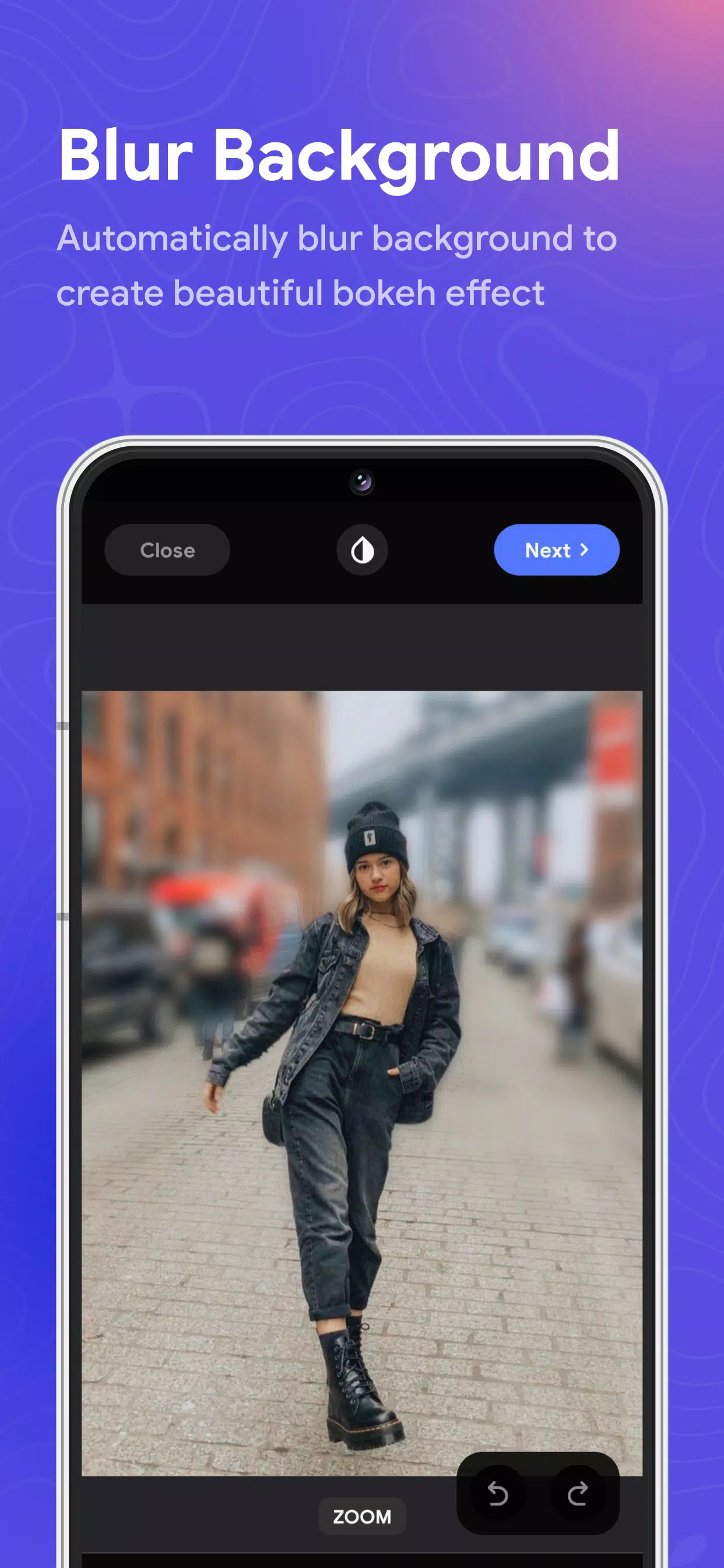
Instantly blur photo backgrounds and create beautiful bokeh effects or blur faces in seconds.
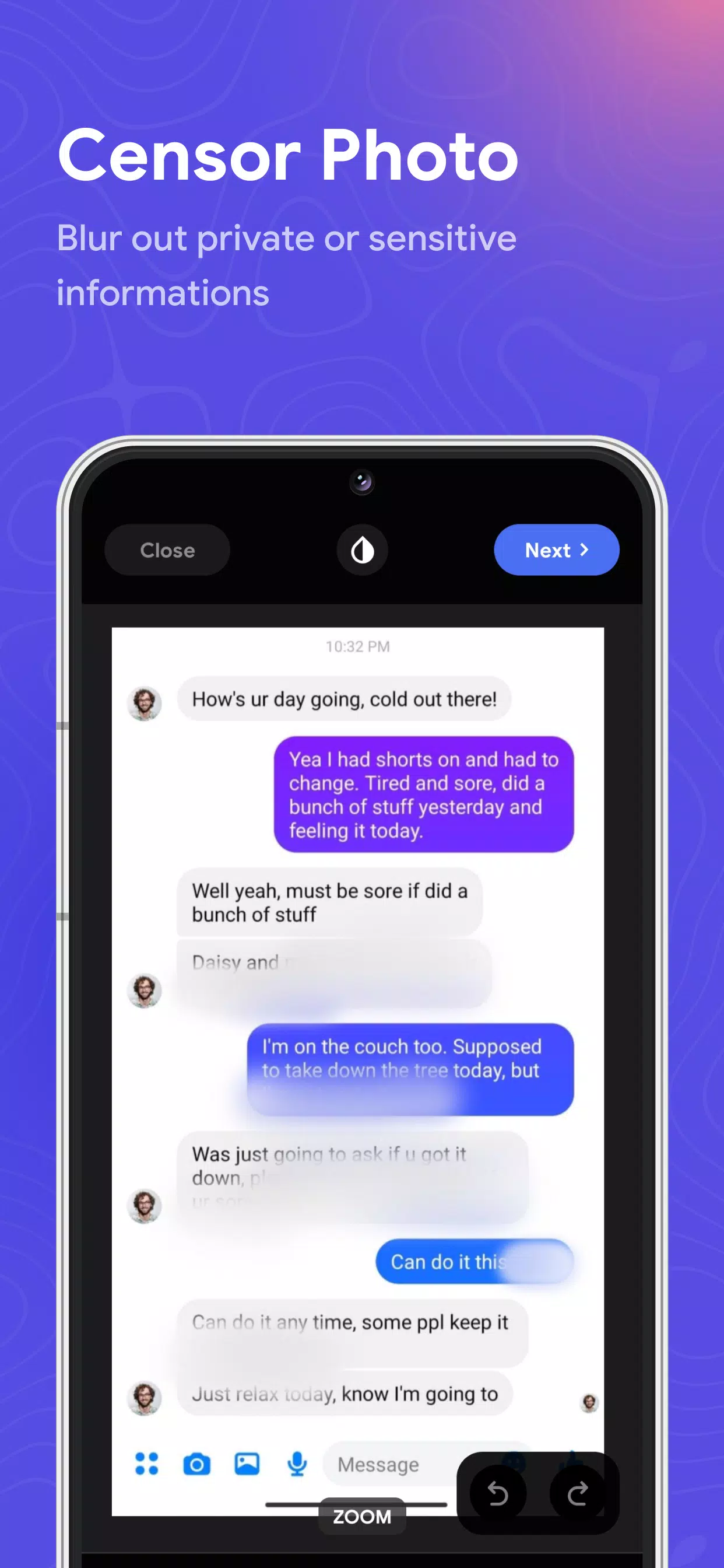
Blur Photo is your ultimate photo censoring app for blurring backgrounds and entire images. Featuring advanced blur image and background tools, you can easily create photo mosaics, censor sensitive content, apply motion blur, and even blur faces.
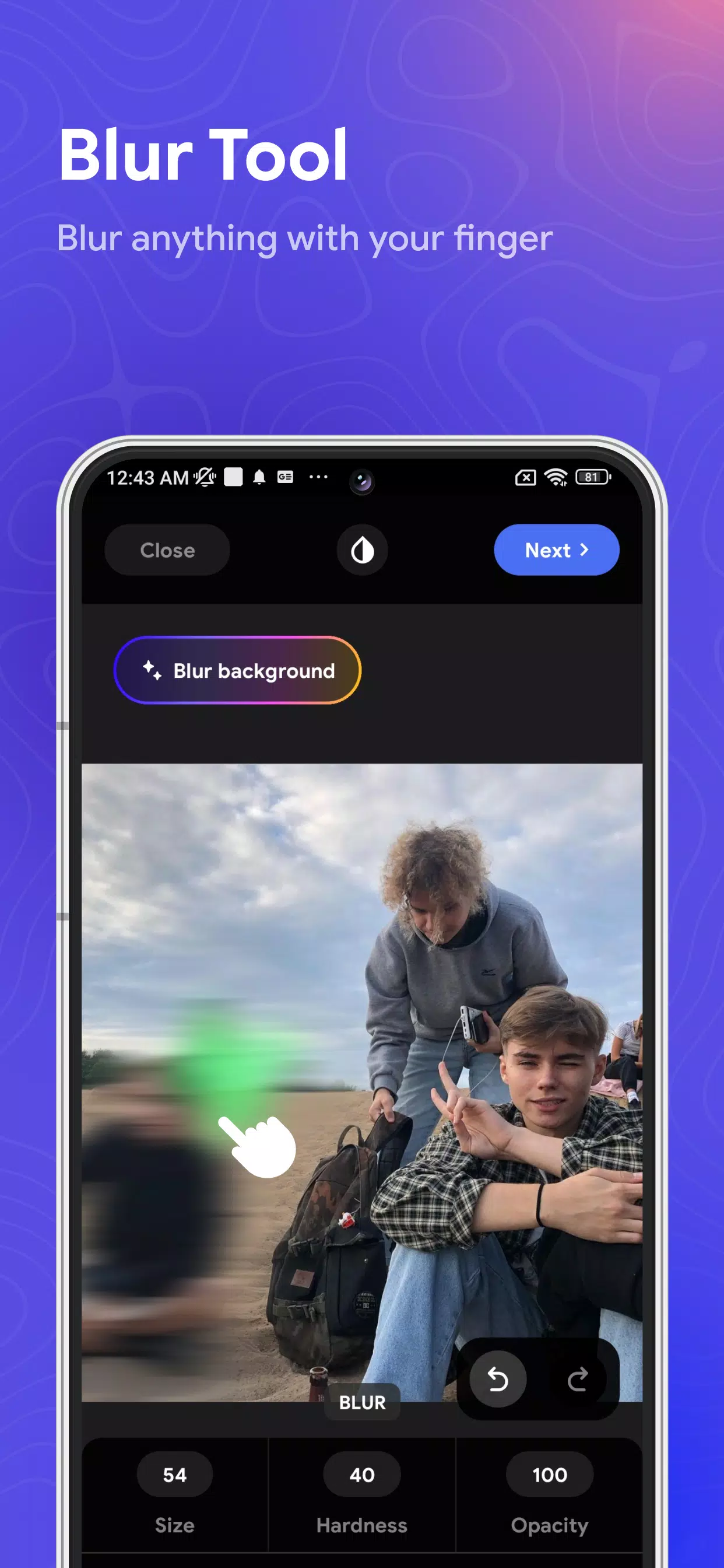
Blur Photo is a powerful picture blur tool to blur images. It provides various blur effects for dramatic motion blur, photo mosaics, bokeh, or tilt-shift lens styles. Blur backgrounds, obscure faces, or censor photos with a single tap. Adjust blur intensity with precise control and select specific areas to apply picture blur or background blur.
Blur Photo also includes specialized tools for photo mosaic, tilt-shift lens effects, and face blurring. Multiple blur effects are available to make your photos stand out.
Utilize powerful blur image tools to blur backgrounds and faces. Save your edited blur photos in high resolution and share them with friends and family.
Blur Photo Key Features
- Blur Background : Automatically blur any background
- Blur Effect : Access unique blur effects (motion blur, photo mosaic, bokeh, and more)
- Face blur and photo censoring with a single touch
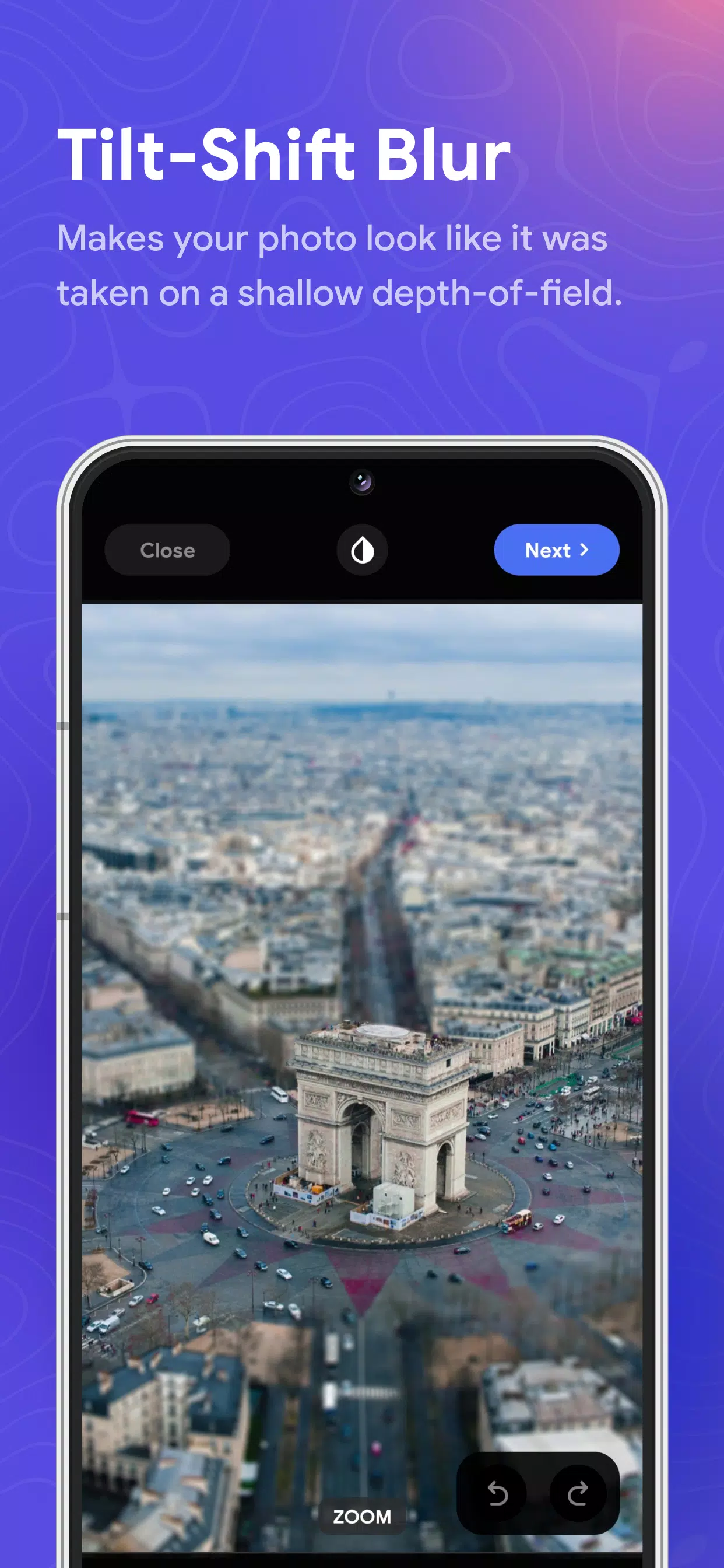
- Tilt shift lens for professional depth-of-field editing
- Customize picture blur intensity & size
- Crop and rotate your blur images
- Save high-resolution blur photos.
Blur Photo is an incredible background blur app for picture blurring. You can also use its blur image tools to censor photos or create stunning effects like motion blur, photo mosaic, or bokeh. Give your censored photos a distinctive look. Blur Photo's intuitive design makes it simple to censor exactly where you want and fine-tune the intensity of the blur effect.