






Draw Sketch & Trace
 |
Latest Version | 24.0 |
 |
Update | Jun,08/2026 |
 |
Developer | Fancy Font For U |
 |
OS | Android 5.0+ |
 |
Category | Art & Design |
 |
Size | 34.9 MB |
 |
Google PlayStore |  |
| Tags: | Art & Design |
-
Latest Version
24.0
-
Update
Jun,08/2026
-
Developer
Fancy Font For U
-
OS
Android 5.0+
-
Category
Art & Design
-
Size
34.9 MB
-
Google PlayStore


 Download(24.0)
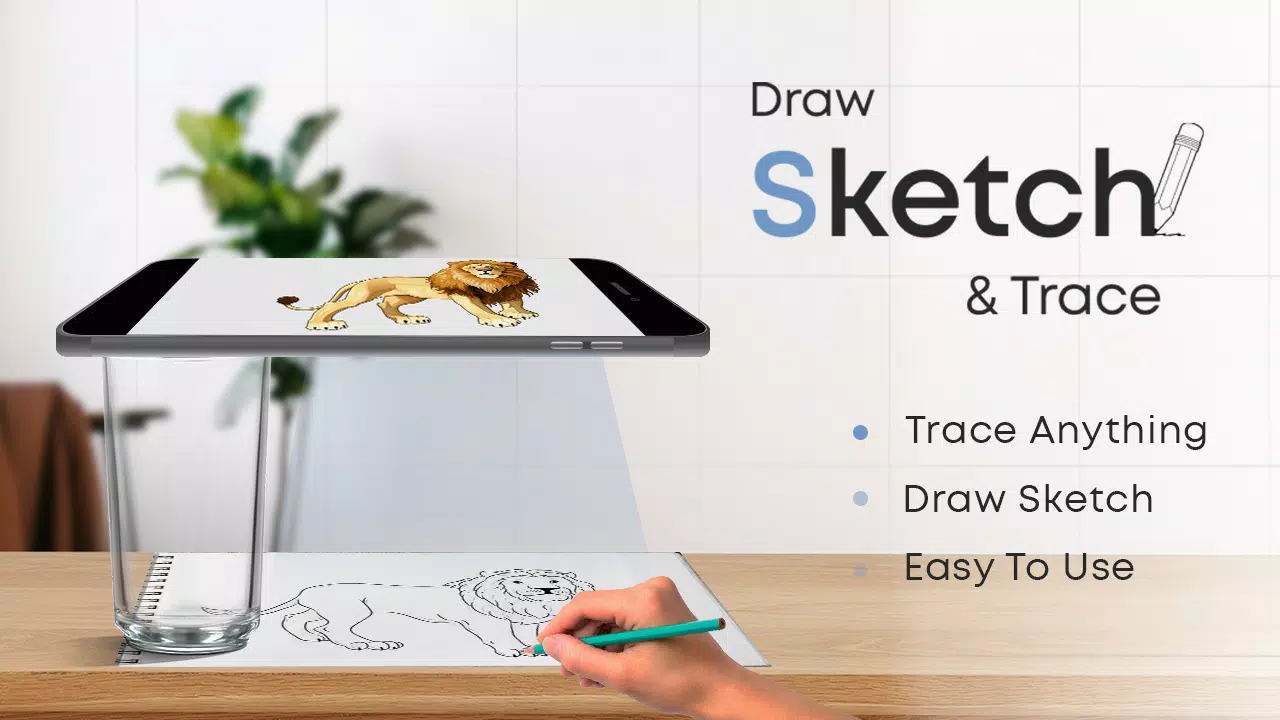
Mount your device on glass and begin tracing with the Draw Sketch & Trace App
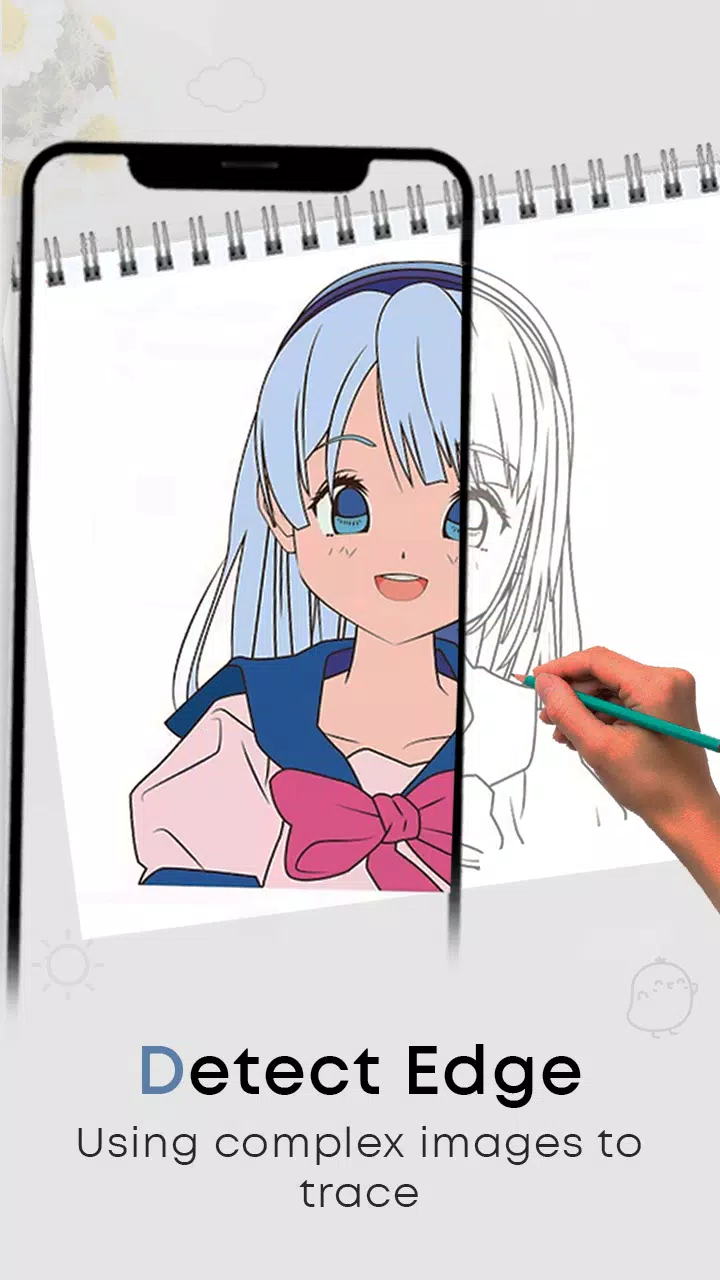
The Draw Sketch & Trace App helps you learn sketching and drawing by letting you trace over photos or images. It offers a wide variety of objects to practice tracing with just a tap. This app enables you to start sketching any object by mounting your device on glass or a tripod. Adjust the image settings like brightness, contrast, and rotation, lock the screen, and trace the outlines step by step.
Meet Sketch AR and AR Drawing—your ultimate creative partner. Unleash your inner artist with the AR Sketching and AR Drawing App, where imagination and technology come together.
Fulfill your dream of becoming a sketch artist with the Draw Sketch & Trace App. Our app is specially designed to help you easily learn sketching, drawing, and tracing using your smartphone. It comes with a range of useful features: adjust on-screen photos to your preference, choose images from your gallery or camera, change tracing colors, and modify brightness to match your drawing needs. It’s one of the best tools available to start learning sketching and tracing at your own pace.
How to start sketching:
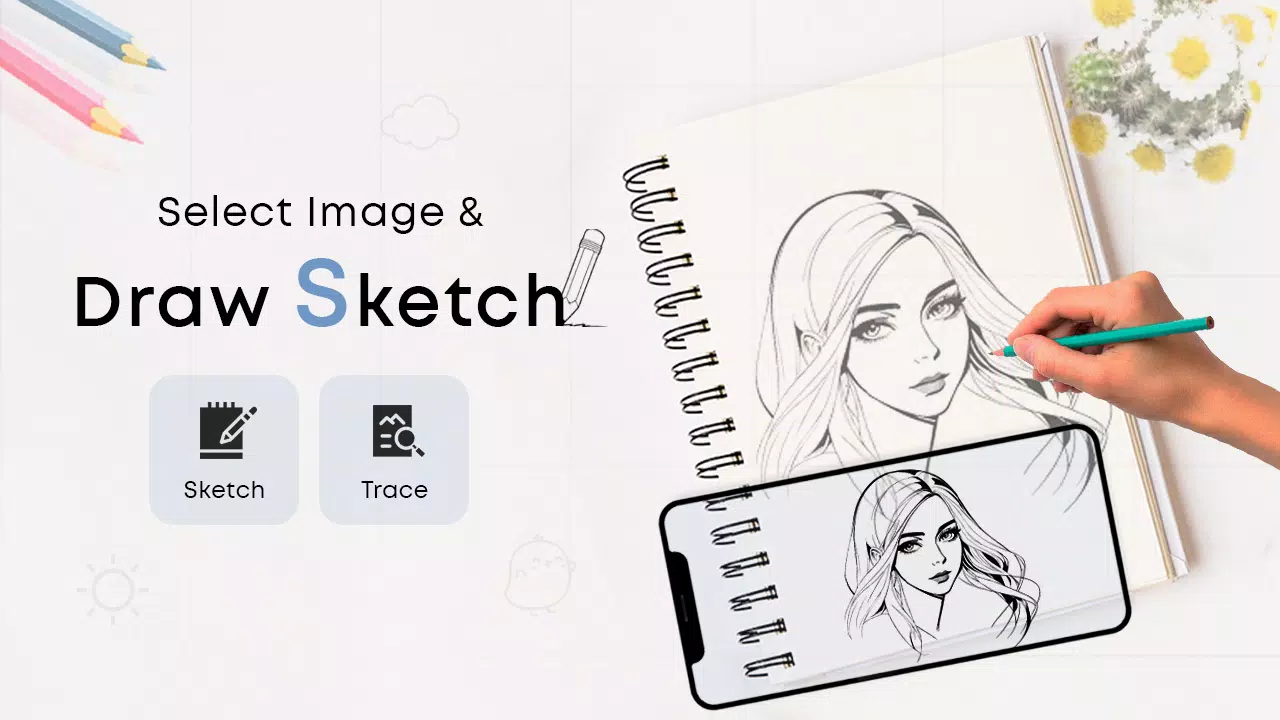
* Tap the sketch button and browse the object collection
* Choose an object from the collection, gallery, or camera
* Place your chosen object and resize as needed
* Adjust brightness to your preference
* Use the bitmap tool to remove the white background and make your object transparent
* Rotate the image and use the flashlight in dim lighting
* Lock your screen and begin sketching the image line by line
* Transfer the object onto paper easily by following the traced lines
How to master tracing:
* Tap the trace button and pick an object from various collections
* You can also import images from your camera or gallery
* Resize the item to fit your requirements
* Select a background color from the available options
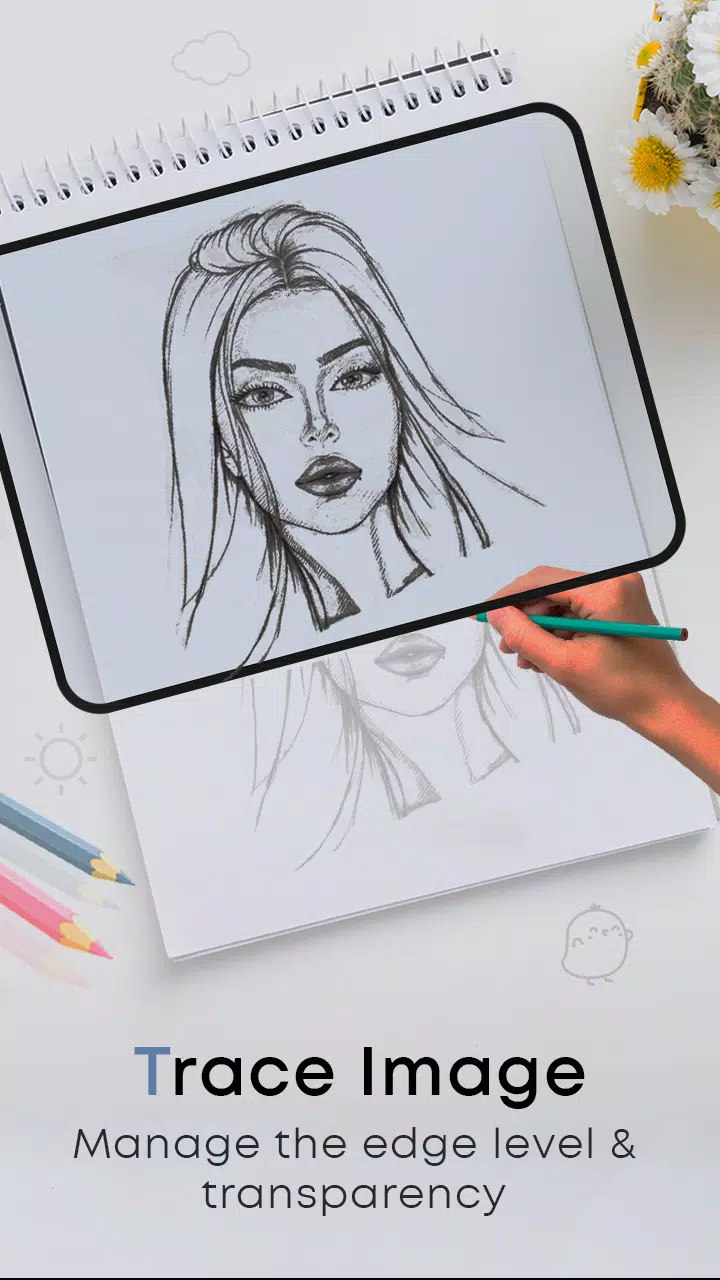
* Rotate and lock the image for clearer tracing
* Adjust both the object brightness and screen brightness as needed
* A simple and effective method for learning to trace any image or object
FEATURES:
- Draw, sketch, and trace to enhance your drawing skills
- Learn sketch art easily with this app
- Wide variety of objects to trace step by step
- Trace or sketch images instantly captured with the camera or imported from your gallery
- Useful tools like screen lock, image rotation, brightness adjustment, and flashlight
- Bitmap feature to remove white backgrounds during sketching
- An excellent app for learning the art of drawing
- Attractive and user-friendly interface
What's New in the Latest Version 24.0
Last updated on Jan 23, 2024
Minor bug fixes and improvements. Install or update to the latest version to try it out!