





SMX
Tackle all kinds of terrain and events in this definitive motocross racing experience.
We recommend 4 GB of RAM or more for the game to run smoothly.
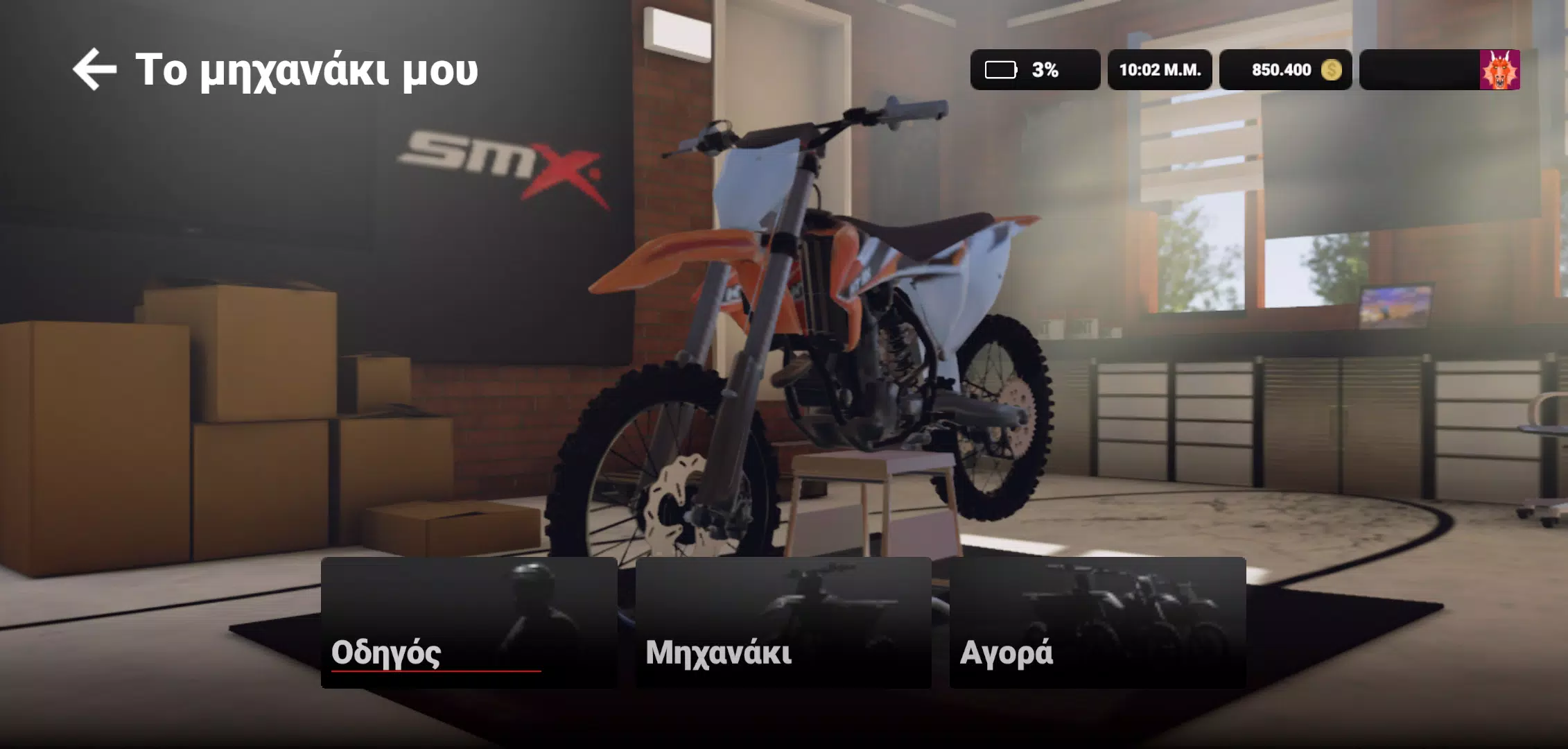
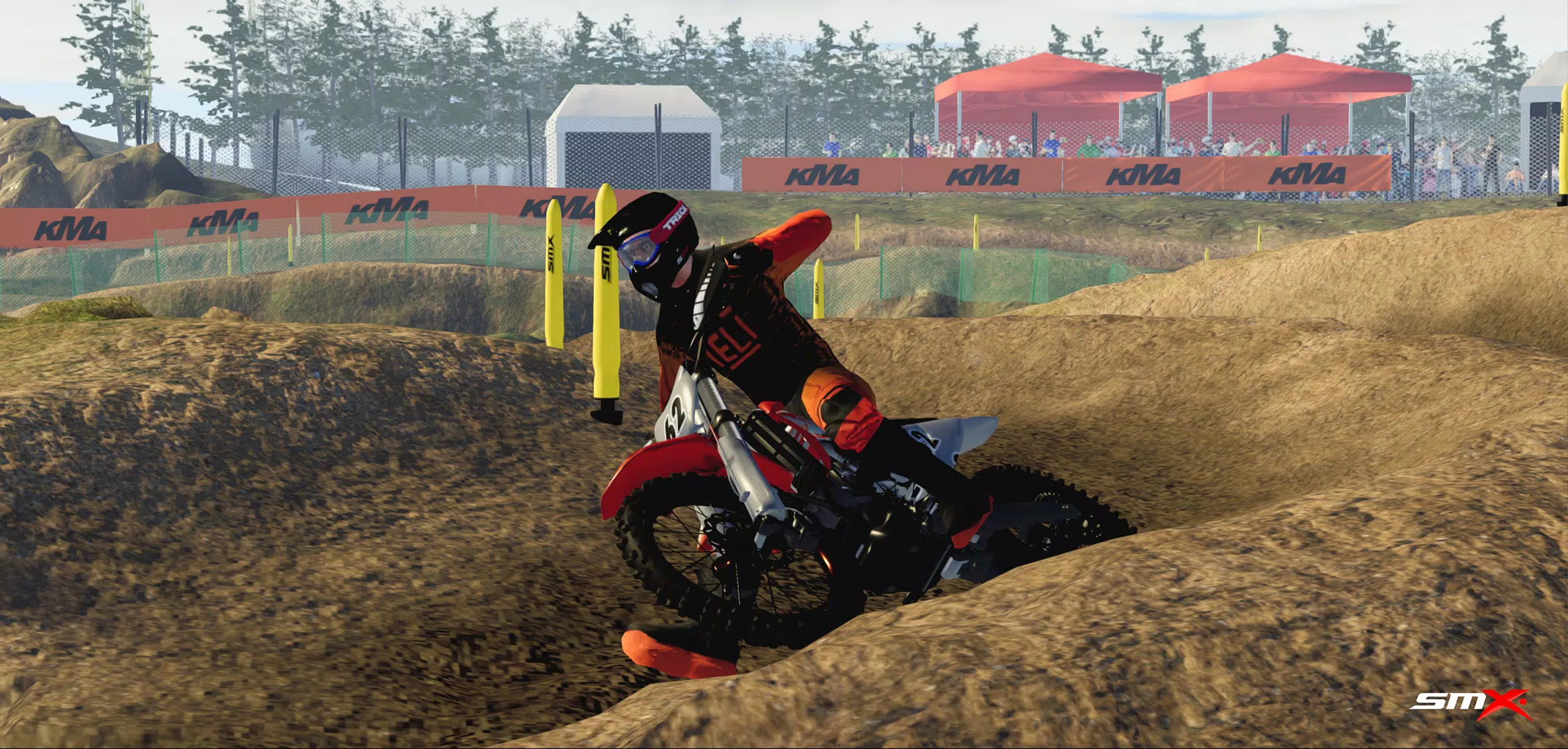
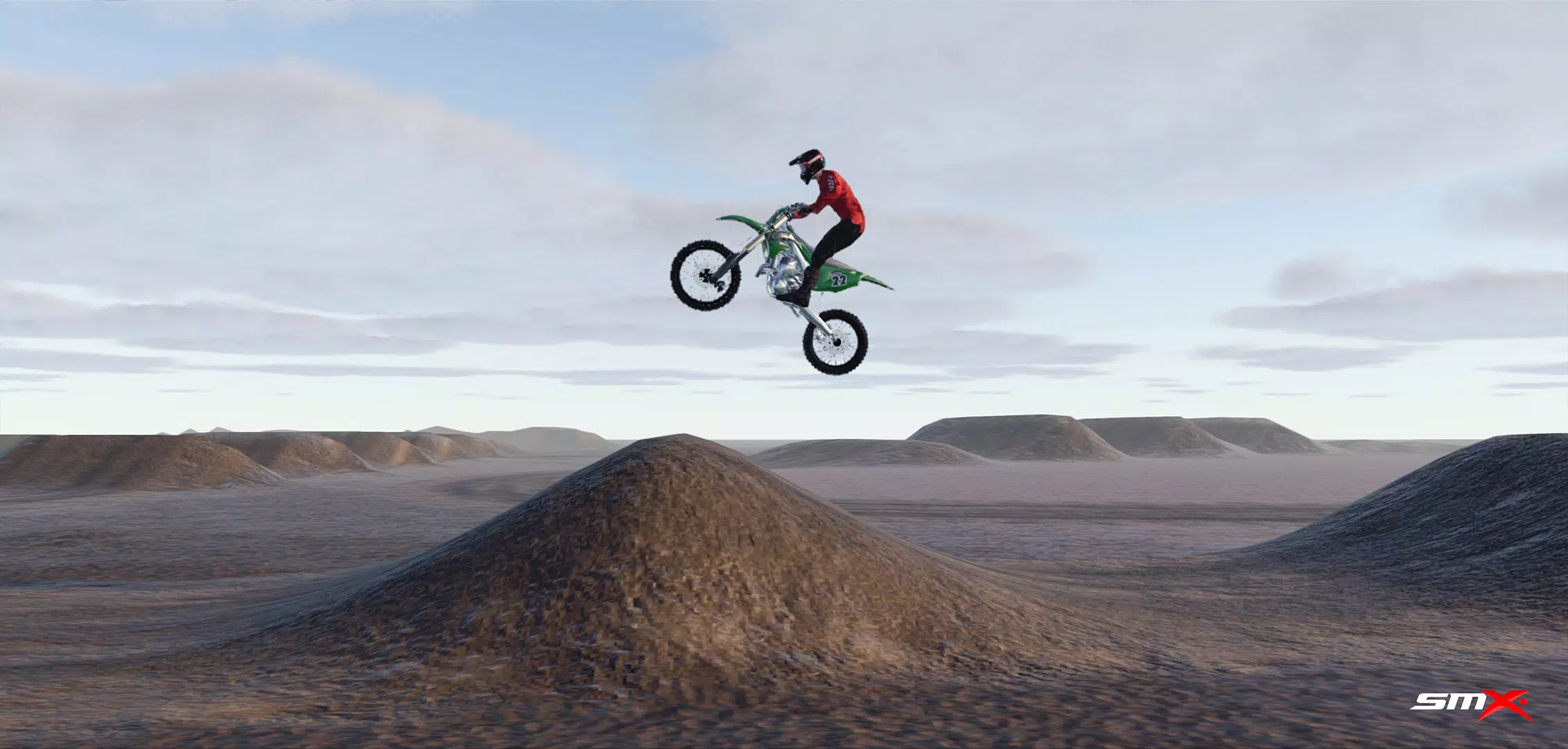
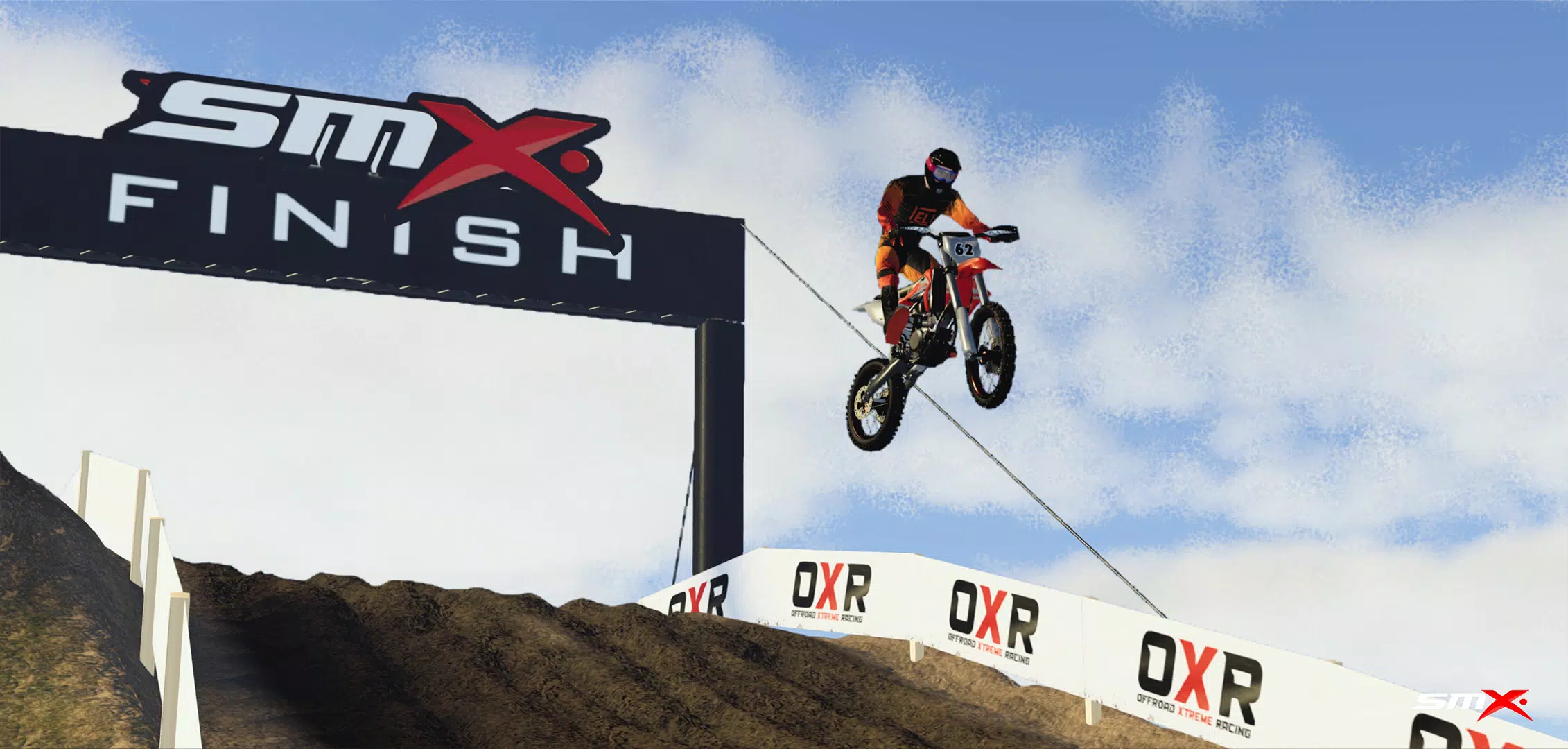
Fire up your engine and dominate the track in the ultimate motocross racer, SMX Supermoto Vs. Motocross! Choose from multiple event types including Motocross, Supermoto, Freestyle, and Endurocross to test your skills across diverse landscapes—from slick mud to smooth asphalt.
Please note that the game is currently in active development. Some features may not work as intended, and you may encounter unfinished or prototype elements. We are committed to rolling out regular updates with new functions and enhancements to improve your racing experience.
FAQs:
Screenshots captured using "Photo Mode" are saved directly to your phone's gallery.
User-created content (mods) should be placed in this folder: /android/data/com.evag.smx/files/mods
Track Editor levels are saved in this directory:
/android/data/com.evag.smx/files/TrackEditor
To back up your game progress, save a copy of the "user1.save" file located here:
/android/data/com.evag.smx/files/user1.save
I'm stuck at the "Initializing ads services" screen: This is usually due to a weak internet connection, Unity Ads server issues, or blocked ads servers. Check your connection and restart the game.
I downloaded content from the Mod Browser, but it doesn't show in-game or in the side menu: Press refresh to reload all downloaded content. Check mod compatibility by looking for the "incompatible" label next to the mod's title in the side menu list.
People can't see me when they join my multiplayer room:
After creating a room, make sure to also join the game by going to the "cogwheel" icon, then Multiplayer, and selecting Join game.
SMX


Tackle all kinds of terrain and events in this definitive motocross racing experience.
We recommend 4 GB of RAM or more for the game to run smoothly.
Fire up your engine and dominate the track in the ultimate motocross racer, SMX Supermoto Vs. Motocross! Choose from multiple event types including Motocross, Supermoto, Freestyle, and Endurocross to test your skills across diverse landscapes—from slick mud to smooth asphalt.
Please note that the game is currently in active development. Some features may not work as intended, and you may encounter unfinished or prototype elements. We are committed to rolling out regular updates with new functions and enhancements to improve your racing experience.
FAQs:
Screenshots captured using "Photo Mode" are saved directly to your phone's gallery.
User-created content (mods) should be placed in this folder: /android/data/com.evag.smx/files/mods
Track Editor levels are saved in this directory:
/android/data/com.evag.smx/files/TrackEditor
To back up your game progress, save a copy of the "user1.save" file located here:
/android/data/com.evag.smx/files/user1.save
I'm stuck at the "Initializing ads services" screen: This is usually due to a weak internet connection, Unity Ads server issues, or blocked ads servers. Check your connection and restart the game.
I downloaded content from the Mod Browser, but it doesn't show in-game or in the side menu: Press refresh to reload all downloaded content. Check mod compatibility by looking for the "incompatible" label next to the mod's title in the side menu list.
People can't see me when they join my multiplayer room:
After creating a room, make sure to also join the game by going to the "cogwheel" icon, then Multiplayer, and selecting Join game.