





GridArt
 |
最新バージョン | 1.8.3 |
 |
アップデート | Jun,20/2026 |
 |
開発者 | Technical Diet - GridArt |
 |
OS | Android 6.0+ |
 |
カテゴリー | アートデザイン |
 |
サイズ | 16.5 MB |
 |
Google PlayStore |  |
| タグ: | アート&デザイン |
-
最新バージョン
1.8.3
-
アップデート
Jun,20/2026
-
開発者
Technical Diet - GridArt
-
OS
Android 6.0+
-
カテゴリー
アートデザイン
-
サイズ
16.5 MB
-
Google PlayStore


 ダウンロード(1.8.3)
Grid Drawing for Artists: Overlay customizable grids on any image with extensive options.
GridArt: The Ultimate Tool for Artists to Achieve Perfect Proportions and Accuracy!
Welcome to GridArt!
GridArt is the ideal tool for artists at any skill level, from beginners to seasoned professionals, aiming to refine their drawing technique and produce stunning artwork. Our app simplifies the grid drawing method, enabling you to overlay highly customizable grids on your reference images with precision. This makes transferring complex compositions to your canvas or paper remarkably straightforward.
What is the Grid Drawing Method?
The grid method is a time-tested technique that enhances drawing accuracy and proportion. It involves dividing both your reference image and drawing surface into an identical grid of equal squares. By concentrating on one square at a time, you can accurately replicate intricate details, ensuring the overall composition remains perfectly proportioned.
Why Choose GridArt: Grid Drawing for Artists?
GridArt revitalizes the classic grid method by integrating modern technology and a wealth of customization features, tailored to meet the specific requirements of today's artists.
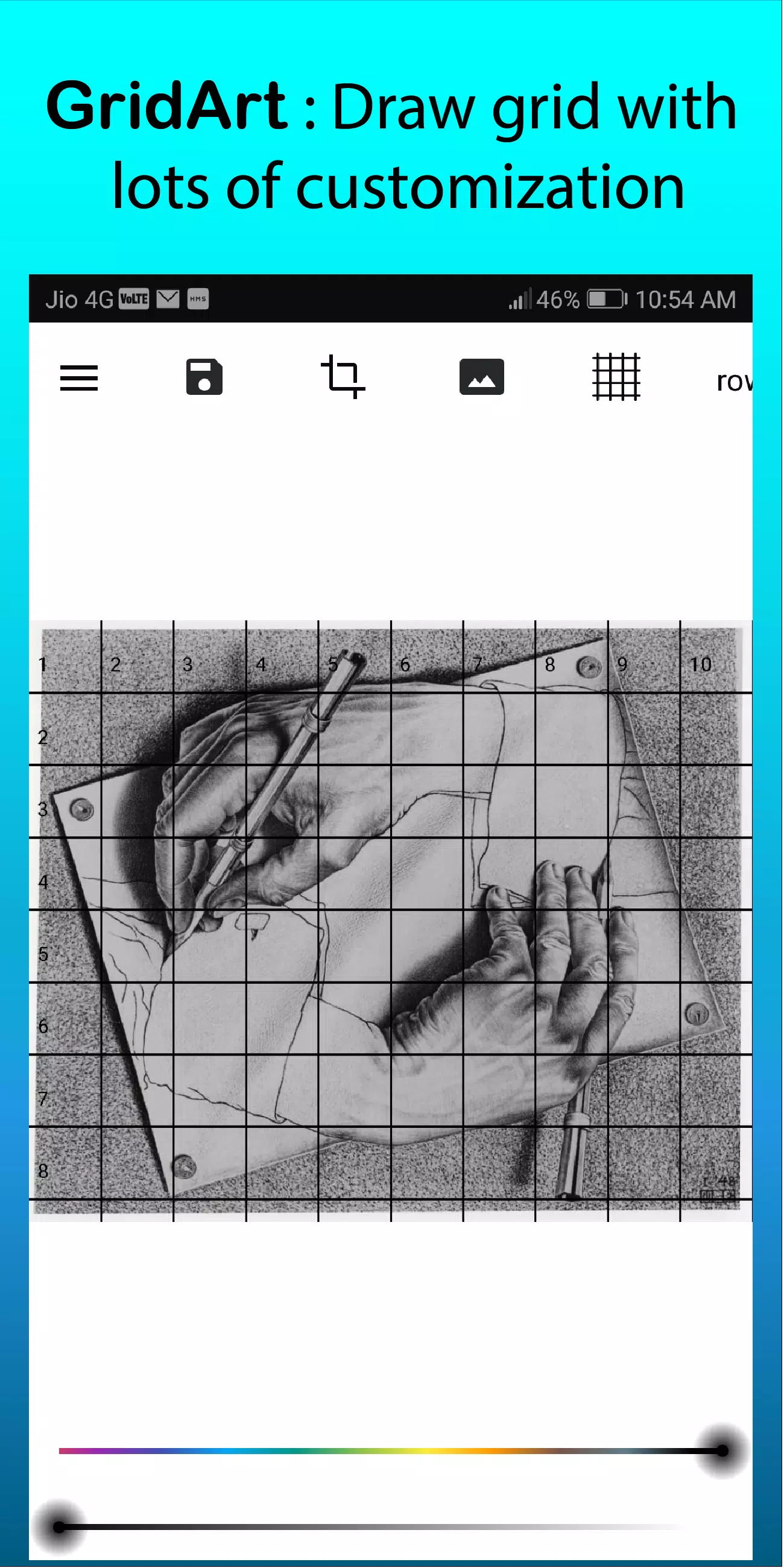
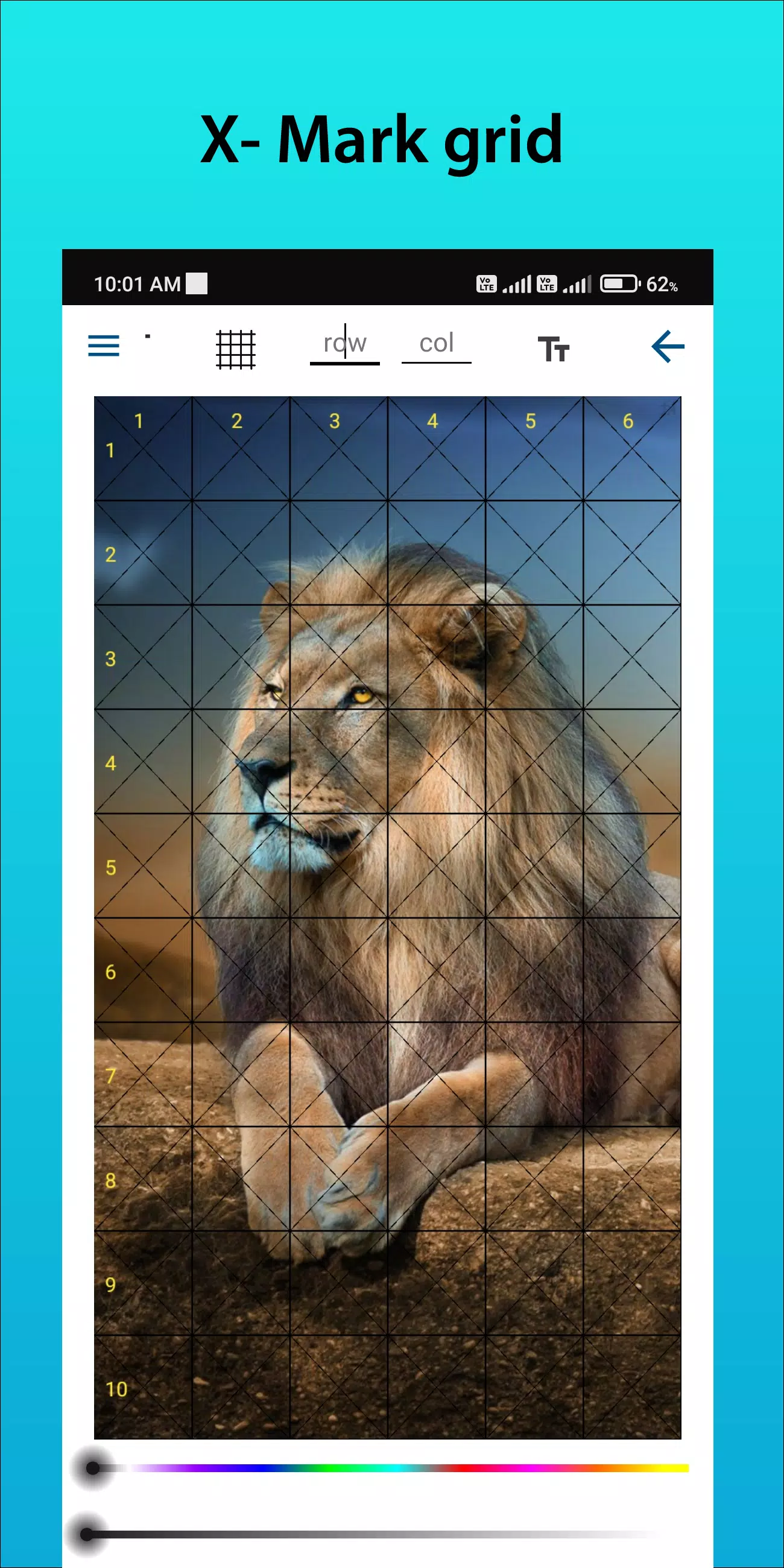
Customizable Grids: Select your preferred number of rows and columns, adjust line thickness and color, and even add diagonal guides for additional support.
User-Friendly Interface: Our intuitive design allows for effortless image uploads, grid customization, and project saving.
High-Resolution Output: Export your grid-overlaid images in high resolution, ideal for printing and using as a precise reference.
How to Use GridArt
Follow these steps to utilize the grid drawing method effectively:
Select Your Reference Image: Choose the image you wish to draw.
Create a Grid on the Reference Image: Overlay your image with a grid of evenly spaced vertical and horizontal lines. You can choose square sizes, commonly 1-inch or 1-centimeter.
Create a Grid on Your Drawing Surface: Draw a matching grid on your paper or canvas, ensuring the number and proportions of the squares are identical to your reference grid.
Transfer the Image: Work square by square. Observe the details within each square of the reference image and replicate them in the corresponding square on your drawing surface. This meticulous approach guarantees accurate proportions and placement.
Erase the Grid (Optional): Once your drawing is complete, you can gently erase the grid lines if desired.
Key Features of Grid Drawing
1. Draw grids on any image; select from your gallery and save for print.
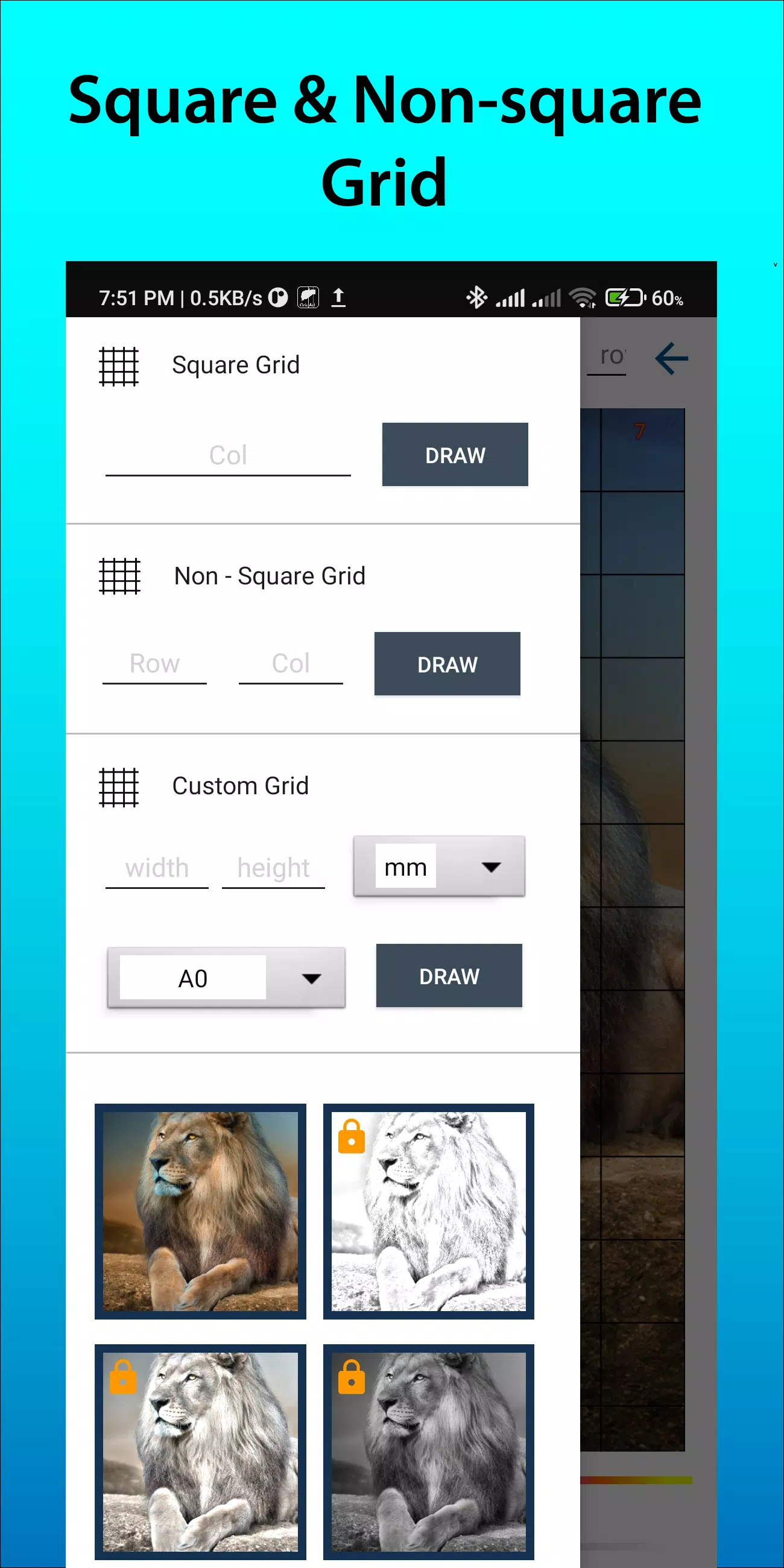
2. Grid creation with square, rectangle, or custom grids defined by your chosen rows and columns.
3. Crop photos to any aspect ratio, including standard presets like A4, 16:9, 9:16, 4:3, and 3:4.
4. Toggle row-column numbers and cell labels on/off with customizable text size.
5. Apply various grid label styles.
6. Choose between regular or dashed grid lines and adjust their width.
7. Customize the color and opacity of grid lines and labels.
8. Apply a sketching filter to simplify the drawing process.
9. Set grid measurements in millimeters, centimeters, or inches.
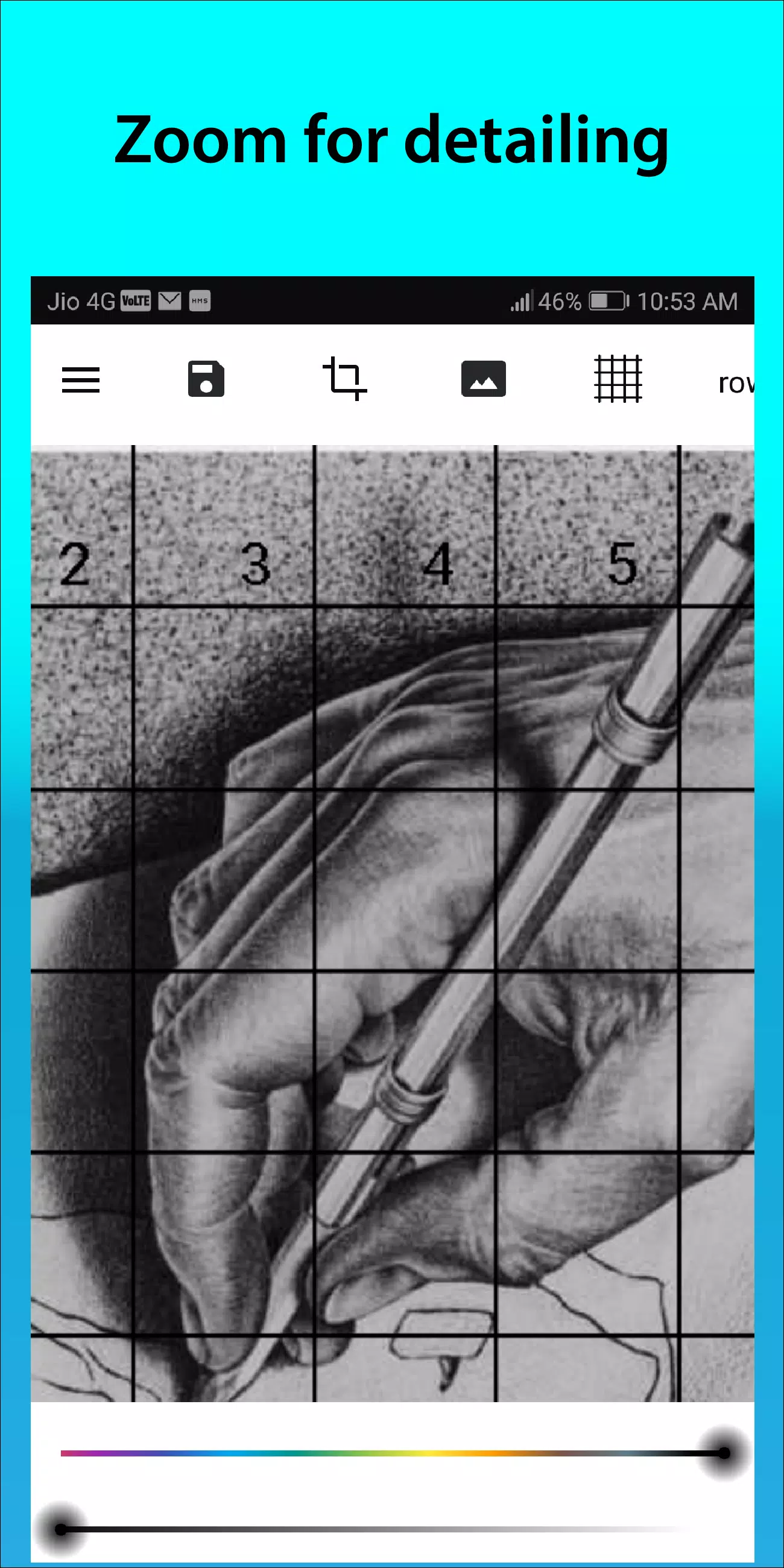
10. Zoom in on your image to capture fine details.
Follow us on Instagram @gridArt_sketching_app and contact us with any questions or suggestions. Use #gridArt on Instagram for a chance to be featured.
What's New in the Latest Version 1.8.3
Last updated on Sep 14, 2024
# Screen lock added