






Avatar World Character Customization Guide: Create Your Unique Avatar
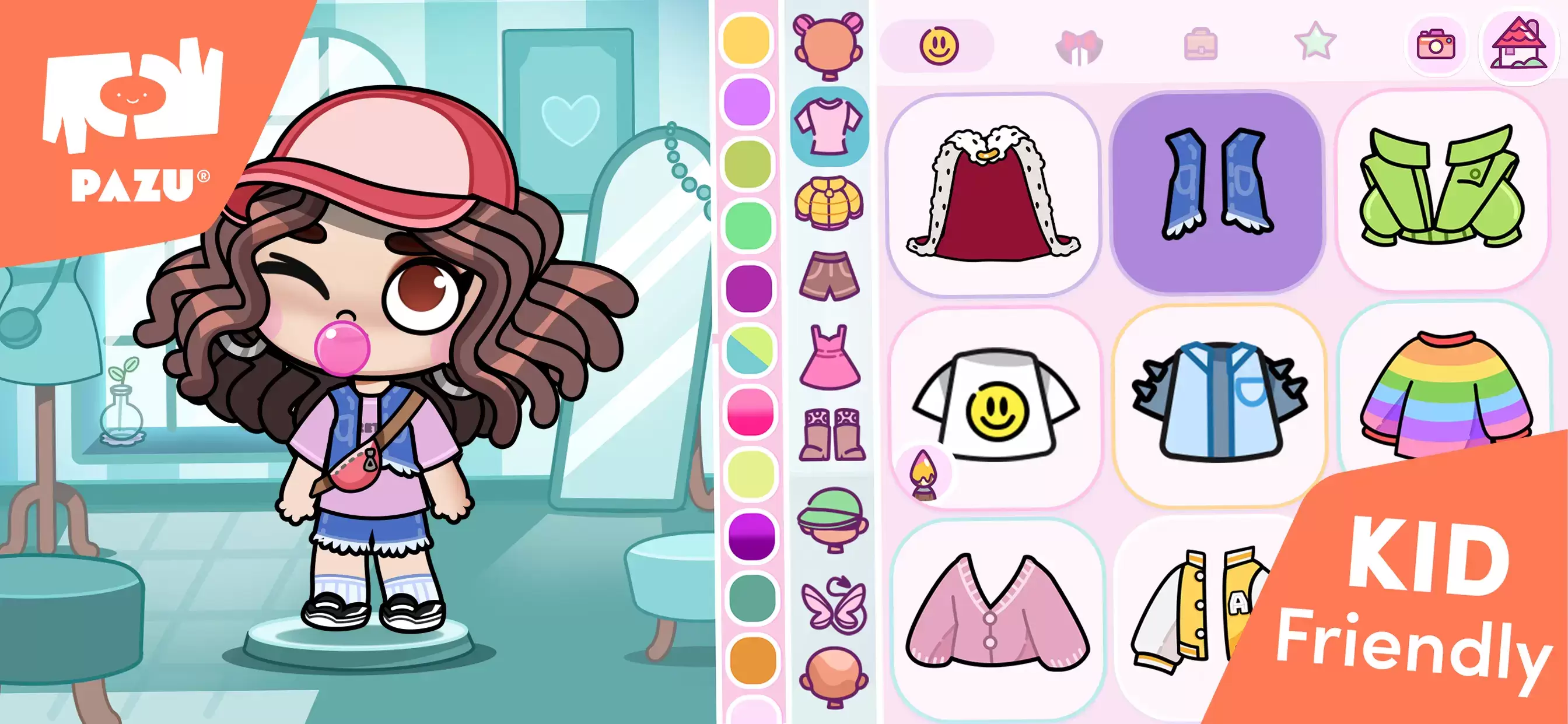
Character customization is a cornerstone of the *Avatar World* experience, letting you craft an avatar that truly reflects your unique style and personality. From body type and facial features to the perfect outfit, the game offers a vast array of options to bring your creative vision to life. Whether you're aiming for a casual everyday look or something more extravagant, *Avatar World* provides the tools to make it happen. This guide will walk you through the entire process, ensuring you get the most out of the character creator.
Accessing the Character Creator
Your avatar creation journey begins in the character creator. To access it, simply open Avatar World and tap the avatar icon in the top-right corner of the main screen. This will open the customization interface, where you can adjust every detail, from body type and skin tone to hairstyles and accessories. And the best part? You can revisit this menu anytime to refresh your avatar's look. The possibilities are endless!
Selecting a Body Type
The first step is choosing your avatar's body type. Avatar World offers three options:
- Child: A smaller, youthful appearance, ideal for playful and energetic avatars.
- Teen: A balanced middle ground, offering a stylish and versatile look.
- Adult: A taller, more mature figure, perfect for sophisticated or professional characters.
Your choice of body type sets the overall proportions, but it doesn't limit your clothing choices—all outfits are available regardless of body type.
Tips for Effective Customization
- Experiment with different styles: There's no right or wrong way to customize your avatar. Mix and match until you find the perfect look!
- Explore in-game clothing stores: Some unique outfits and accessories are only available in the in-game fashion stores located in the mall.
- Use color editing: Many items allow color adjustments, helping you perfectly match outfits to your style.
- Mix and match outfits: Don't be afraid to combine different clothing items for a truly personalized appearance, instead of relying solely on pre-made outfits.
- Adjust expressions for storytelling: If you're role-playing or creating stories, use facial expressions to enhance your avatar's narrative.
Character customization in Avatar World is all about self-expression. Whether you're aiming for casual, formal, or playful, the possibilities are endless. Use this guide to create an avatar that truly represents you!
For an even better gaming experience, consider playing *Avatar World* on PC with BlueStacks. Enjoy enhanced controls and a larger screen for a more immersive gameplay.
-
 Jan 11,25Teamfight Tactics drops patch notes for final update of Inkborn Fables in version 14.14 Teamfight Tactics Patch 14.14: Final Inkborn Fables Update Details Unveiled! Get ready for the final chapter of Inkborn Fables in Teamfight Tactics with patch 14.14! Riot Games has revealed exciting changes, including a significant increase in encounter frequency and adjusted encounter rates. Prepa
 -
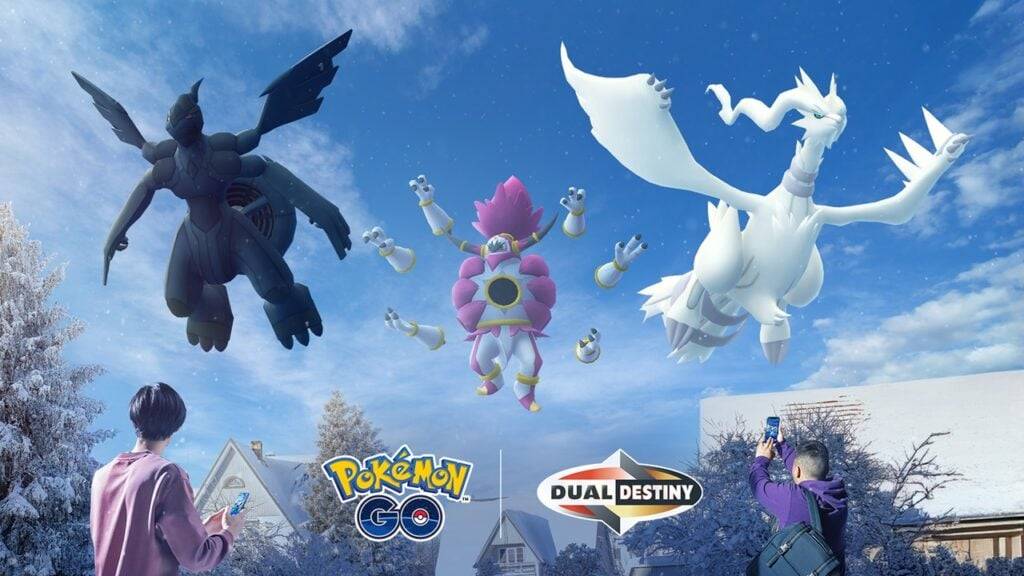 Feb 11,25Pokémon Go Celebrates New Year's 2025 Pokémon Go Rings in 2025 with a Festive New Year's Event and More! As 2024 concludes, Niantic is celebrating the arrival of 2025 in Pokémon Go with a special New Year's event. This precedes the Fidough Fetch event and the highly anticipated Sprigatito Community Day. Kicking off the new year is the
 -
 Jun 14,25Pokémon Launches Real Pokédex Encyclopedia Crafted by Ecologists and Behaviorists Get ready, Pokémon fans—The Pokémon Company is stepping into the world of science with a brand-new official encyclopedia written by expert animal ecologists and behaviorists. Discover what Pokécology has in store for trainers and researchers alike.Pokécology: An Official Encyclopedia For Pokémon Beh
 -
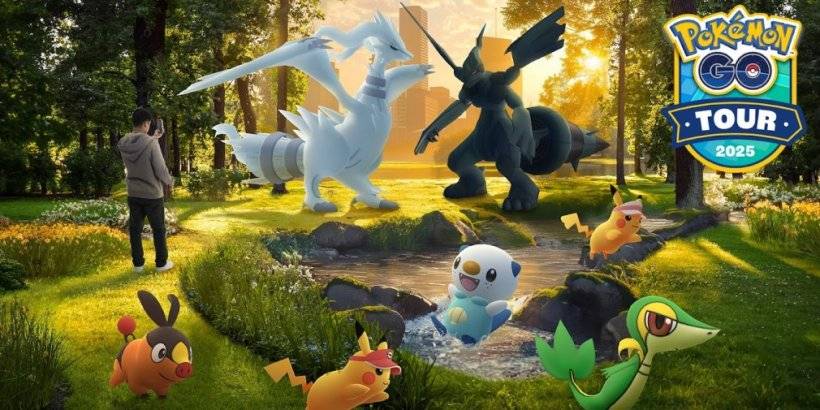 May 05,25Pokémon Go Tour: Unova Reveals Exciting New Details Get ready for an exciting journey as the Pokémon Go Tour: Unova approaches, bringing a host of new features and updates to the game. Whether you're a fan of new music, exclusive avatar items, or thrilling Special Research, there's something for everyone as you dive into the world of Unova and its Po