






3D Soccer
Android 4.1+
Версия:1.66.2
7.9 MB
Скачать
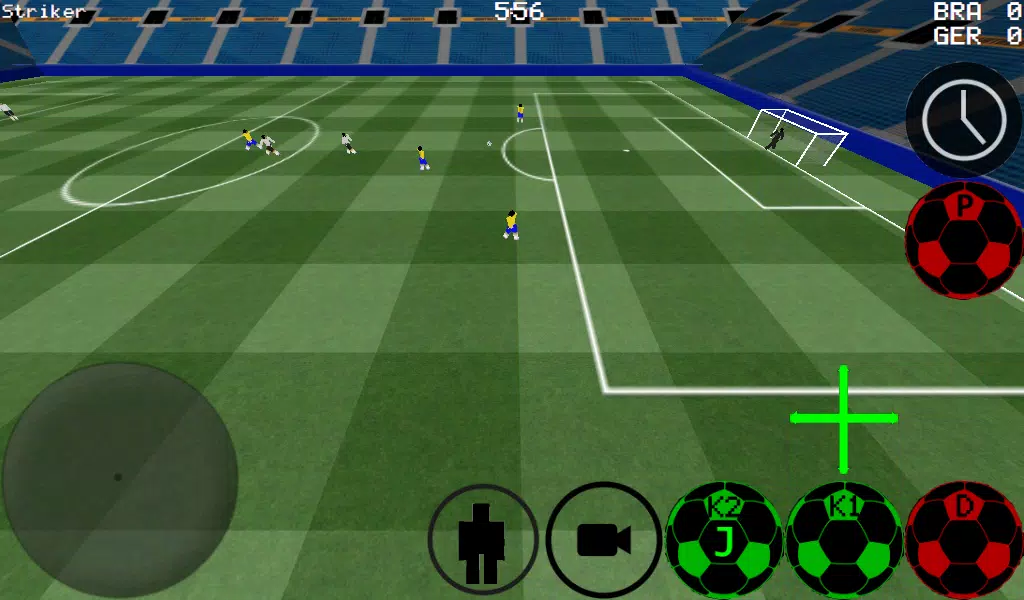
Immersive First-Person Soccer Game
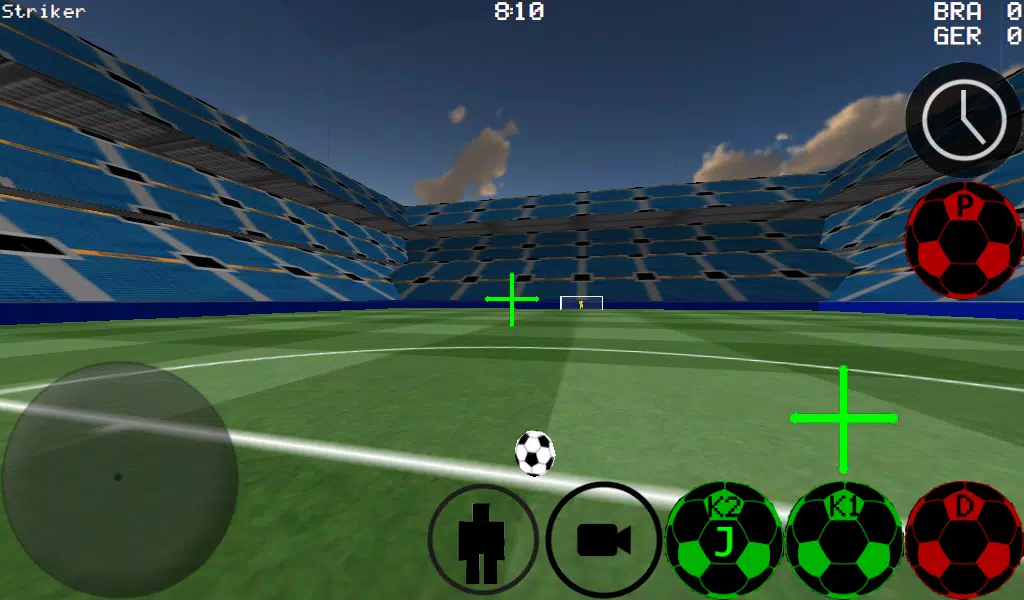
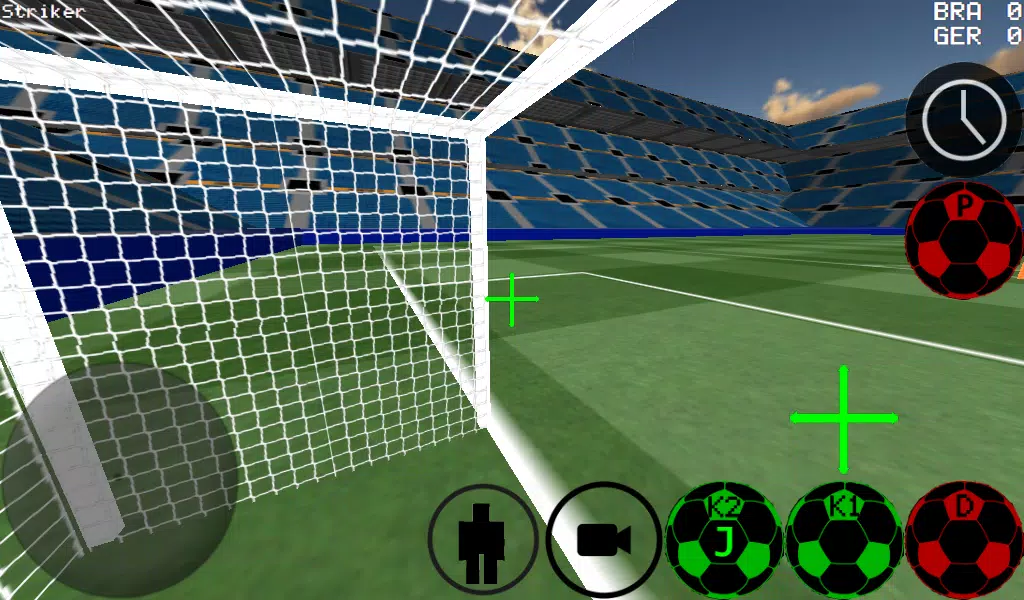
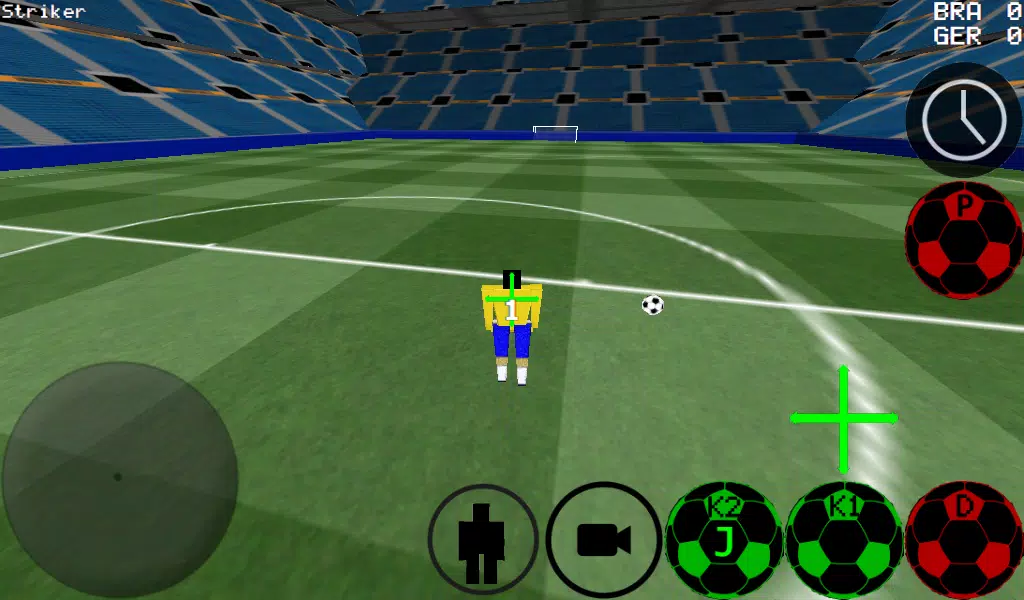
Experience soccer from a first-person view, with additional third-person, top-down, and stadium camera options.
-Advanced ball control for precise dribbling and powerful kicks.
-Play matches from 4 vs 4 all the way up to 11 vs 11.
-Take control of any player on the field.
-Choose between auto-dribble, manual dribble, and other control settings.
-Step into the role of the goalkeeper.
-Practice your free-kick technique.
-Master corner kick strategies.
-Train with wall passing and rebounds.
-Showcase your skills in freestyle mode.
-Apply spin to the ball for advanced shots.
-Activate slow-motion time to line up the perfect shot.
-Supports multiplayer over LAN and the internet for matches up to 5 vs 5.
-K1 and K2 buttons kick the ball in the direction you are looking.
-Two unique stadiums to play in.
-Experimental USB support for Xbox 360 controllers.
Xbox 360 USB Controller Layout
A = Dribble
X = Medium Power Kick (Camera Direction)
Y or RIGHT BUTTON = High Power Kick (Camera Direction)
B = PASS (AI-assisted pass to a teammate)
START = Change Camera View
LEFT Button = Activate Slow Time
UP PAD = Switch Controlled Player
BACK = RETURN TO MAIN MENU
RIGHT HAT = Camera Control
LEFT HAT = Player Movement
How to set up a WAN/LAN server:
1\. Turn on Wi-Fi (ensure connection to a Router/Modem).
2\. Click on LAN GAME.
3\. Click on START SERVER.
4\. Click Connect (once or twice). You are now connected as a player and are hosting the server.
To connect to an existing server (as a second player):
1\. Turn on Wi-Fi (connect to the same Router/Modem as the server host).
2\. Click on LAN GAME.
3\. Click on CONNECT a few times. (You are now connected to the game).
Playing over the Internet: Creating a Server
1\. Port forward port 2500 on your Modem/Router to your phone or tablet's IP address.
2\. Click on LAN GAME.
3\. Click on START SERVER.
4\. Click Connect (once or twice). You are now connected as a player and are hosting the server.
TO CONNECT TO AN INTERNET SERVER
1\. CLICK LAN CONNECT.
2\. CLICK IP / TI SERVER.
3\. ENTER THE SERVER'S IP ADDRESS (e.g., 201.21.23.21) and click connect once or twice until you join.
ПОЛНЫЙ контент
3D Soccer
Теги:
Спорт


3.0
Android 4.1+
Версия:1.66.2
7.9 MB
Immersive First-Person Soccer Game
Experience soccer from a first-person view, with additional third-person, top-down, and stadium camera options.
-Advanced ball control for precise dribbling and powerful kicks.
-Play matches from 4 vs 4 all the way up to 11 vs 11.
-Take control of any player on the field.
-Choose between auto-dribble, manual dribble, and other control settings.
-Step into the role of the goalkeeper.
-Practice your free-kick technique.
-Master corner kick strategies.
-Train with wall passing and rebounds.
-Showcase your skills in freestyle mode.
-Apply spin to the ball for advanced shots.
-Activate slow-motion time to line up the perfect shot.
-Supports multiplayer over LAN and the internet for matches up to 5 vs 5.
-K1 and K2 buttons kick the ball in the direction you are looking.
-Two unique stadiums to play in.
-Experimental USB support for Xbox 360 controllers.
Xbox 360 USB Controller Layout
A = Dribble
X = Medium Power Kick (Camera Direction)
Y or RIGHT BUTTON = High Power Kick (Camera Direction)
B = PASS (AI-assisted pass to a teammate)
START = Change Camera View
LEFT Button = Activate Slow Time
UP PAD = Switch Controlled Player
BACK = RETURN TO MAIN MENU
RIGHT HAT = Camera Control
LEFT HAT = Player Movement
How to set up a WAN/LAN server:
1\. Turn on Wi-Fi (ensure connection to a Router/Modem).
2\. Click on LAN GAME.
3\. Click on START SERVER.
4\. Click Connect (once or twice). You are now connected as a player and are hosting the server.
To connect to an existing server (as a second player):
1\. Turn on Wi-Fi (connect to the same Router/Modem as the server host).
2\. Click on LAN GAME.
3\. Click on CONNECT a few times. (You are now connected to the game).
Playing over the Internet: Creating a Server
1\. Port forward port 2500 on your Modem/Router to your phone or tablet's IP address.
2\. Click on LAN GAME.
3\. Click on START SERVER.
4\. Click Connect (once or twice). You are now connected as a player and are hosting the server.
TO CONNECT TO AN INTERNET SERVER
1\. CLICK LAN CONNECT.
2\. CLICK IP / TI SERVER.
3\. ENTER THE SERVER'S IP ADDRESS (e.g., 201.21.23.21) and click connect once or twice until you join.
ПОЛНЫЙ контент

3D Soccer скриншотов
Публикация комментариев
Ваш комментарий(*)